OverTheWire Bandit Level 19 → 20 Walkthrough
Using a setuid binary to read a file owned by another user

Level goal: To gain access to the next level, you should use the setuid binary in the homedirectory. Execute it without arguments to find out how to use it. The password for this level can be found in the usual place (/etc/bandit_pass), after you have used to setuid binary.
Commands you may need: None
Helpful reading:
Write-up
This is simple but interesting! This is an subtle example for how a single wrongly assigned permission can make your system vulnerable.
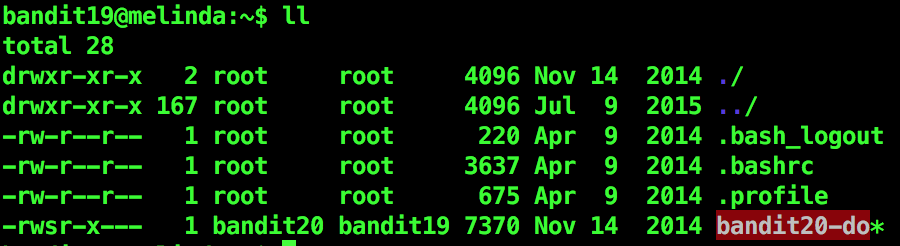
I saw the owner of the bandit20-do is bandit20. The red highlight signifies that the file has elevated permissions and any commands executed through the runtime of the file will be run as bandit20.
I used this to get the password to next level.

Level 20 password:
GbKksEFF4yrVs6il55v6gwY5aVje5f0j