Importance of quotes in Terminal
Single vs double vs no quotes — how shell expansion changes everything
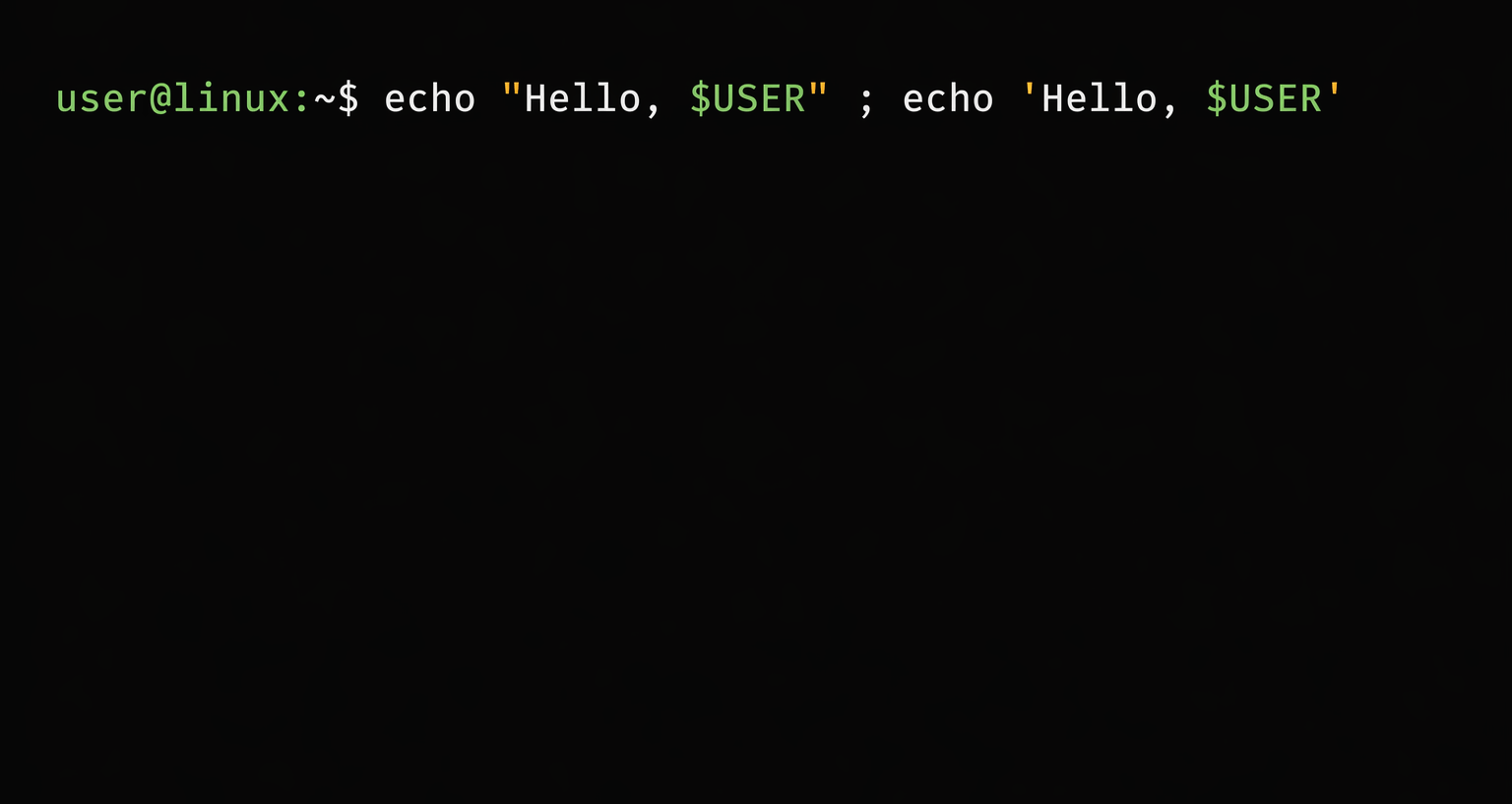
I was tinkering with the echo command when I came across the difference between using echo '...' and echo "...".
This can best be explained using some examples.
No quotes
1

echo test ~/*.txt {code,maxx} $(echo foo) $((2+2)) $USER `echo bar` \$100
This is without any quotes. I have also added some cool things to be echoed which I’ll explain alongside. This gave the follwing output:
1

test /Users/akash/test1.txt /Users/akash/test1.txt code maxx foo 4 akash bar
So we see some of the commands got expanded:
~/*.txt - Gets expanded to a list of all files with the extension .txt and present in the home directory.
{code,maxx} - This is the list I was talking about above. What echo does is print each member of that list with a space in between.
` echo bar ` - The backticks cause this command to be executes before the outer echo. It is like nested parenthesis.(2*(8/4))
$USER - This is an environment variable which stores the username of the current user.(akash in my case)
$(echo foo) - Dollar sign followed by single parenthesis means run whatever is inside the parentheses in a subshell and return that as the value. In my example, you would get foo since echo will write foo to standard out. This is an alternative to the ` echo bar ` above.
$((2+2)) - Dollar sign followed by double parenthesis means perform arithmetic and return the result of the calculation.
\$100 - As you might already know this is backslashing $ so as to print it as is.
Ok so that was some nice stuff. Now lets move on to the quotes.
Double quotes
1

echo "test ~/*.txt {code,maxx} $(echo foo) $((2+2)) $USER `echo bar` \$100"
1

test ~/*.txt {code,maxx} foo 4 akash bar $100
Now we see some expansions were restricted. With double qoutes all the special characters(like *) lose their meaning except:
- Dollar sign(
$) - Backtick(`)
- Backslash(
\)
Single quotes
1

echo 'test ~/*.txt {code,maxx} $(echo foo) $((2+2)) $USER `echo bar` \$100'
1

test ~/*.txt {code,maxx} $(echo foo) $((2+2)) $USER `echo bar` \$100
We see that using single quotes prevents all expansions. ALL special characters lose thier meaning! This is why it is recommended to use single quotes while writing aliases so that we can put the exact input in it and we don’t have to worry about it being modified while substitution.
Speaking of shell gotchas, I also wrote about chaining commands in the shell and how ;, && and || behave differently.
Hope this helped :) In case you have any doubts comment below.
If you are an Infosec person, don’t forget to checkout my Write-ups.